Work & Study
For documents, browsing, video calls and everyday multitasking. A practical build around the way you work.
 Let’s talk
 Custom PCs. Expert care. A fresh start.
Find what’s next for your digital world.
More possibilities.
One PC Clinic.
Your games. Your work. Your budget. Start with what you want to do, and we’ll help you choose a compatible setup.
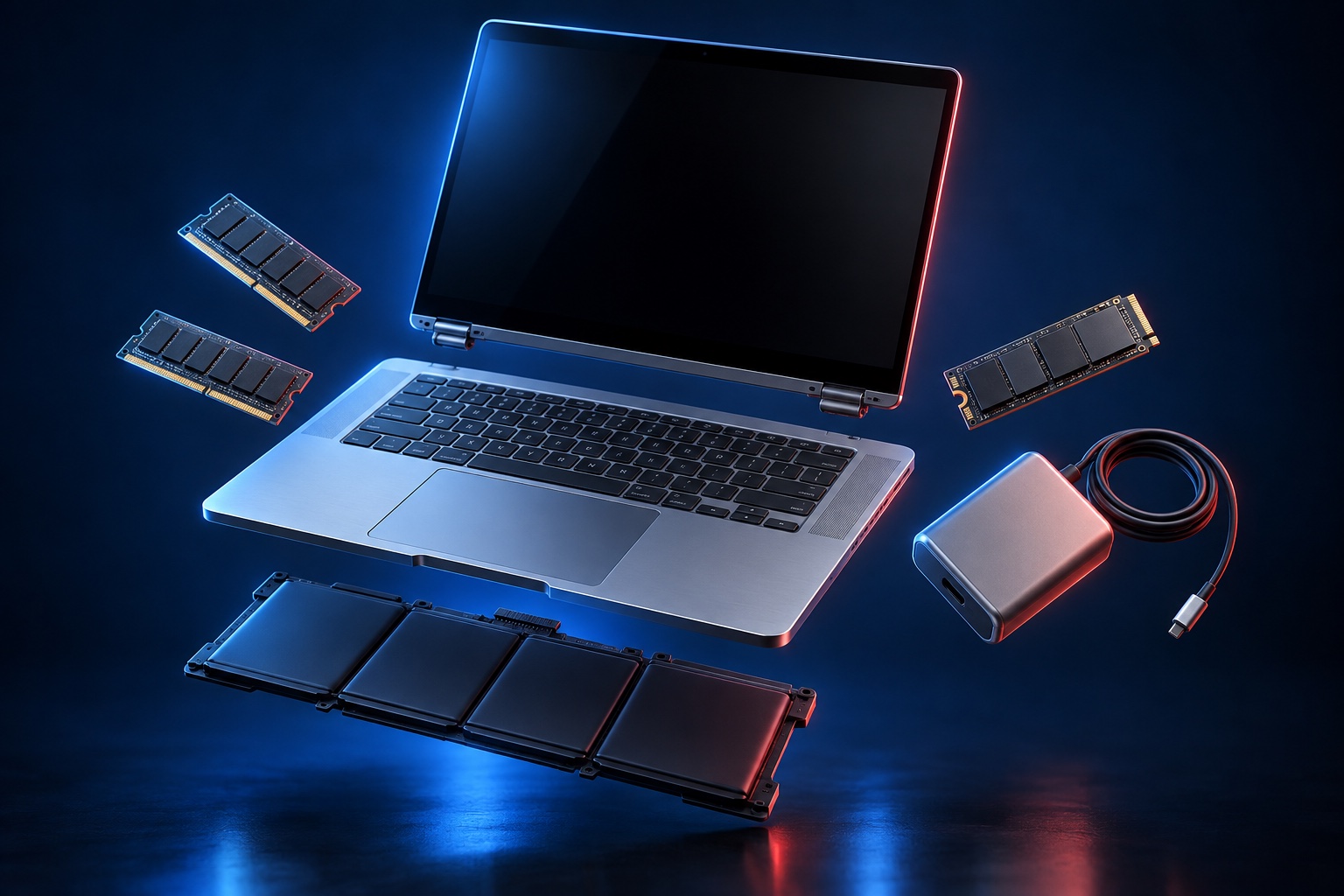 YOUR NEEDS. YOUR COMPONENTS. YOUR BUILD.
For documents, browsing, video calls and everyday multitasking. A practical build around the way you work.
Choose your games, target resolution and budget. We’ll help you balance graphics, processing power and cooling.
Build around your editing, design or development tools, with room for the memory and storage your projects need.
Tell us your main use, budget and any parts you already own.
Discuss your PC buildLooking for a new computer, a pre-owned option or a buyer for your current device? Talk to us about what you need.
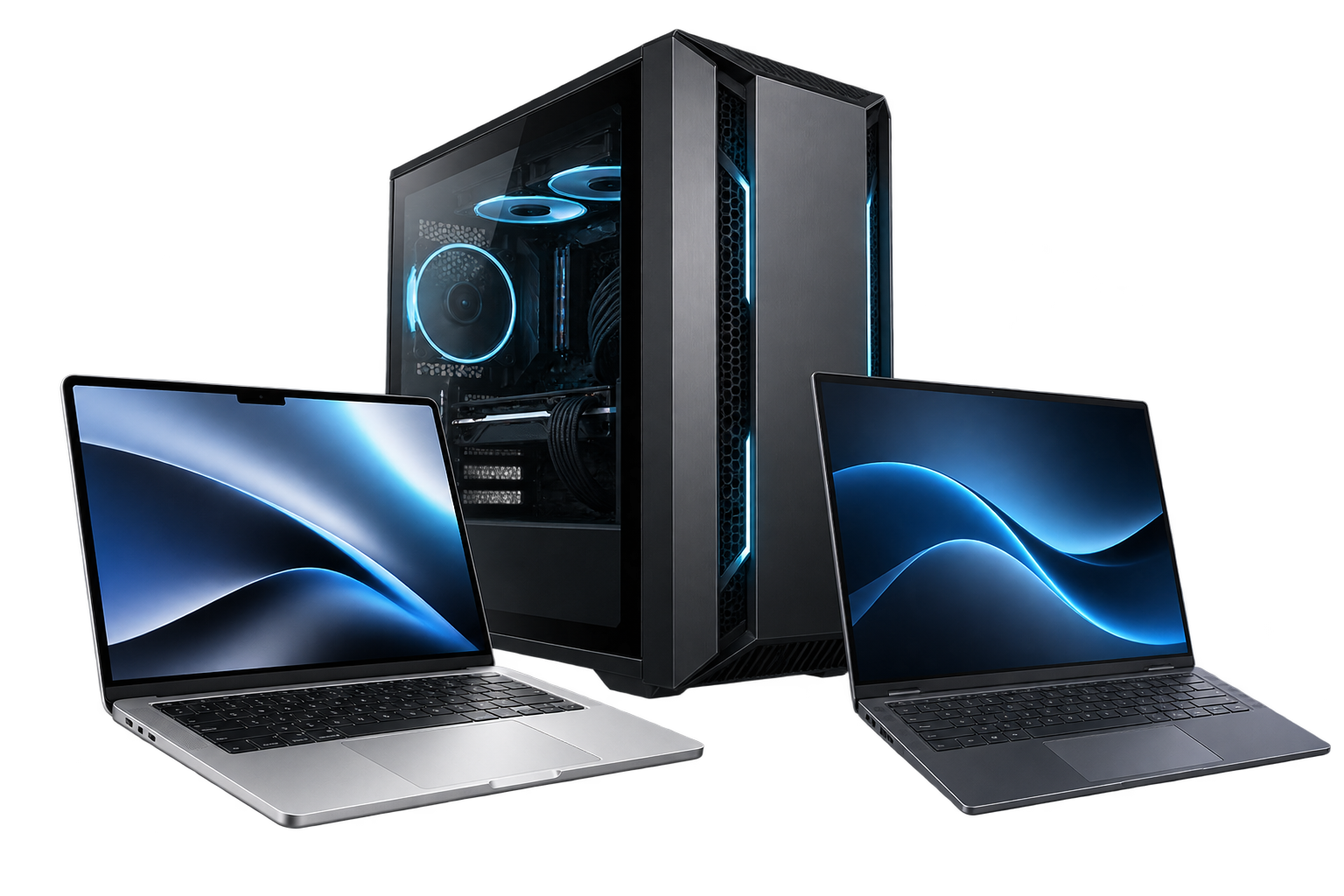
Explore new gaming desktops, gaming laptops and computers for work, study or everyday use. Tell us your favourite games and budget, or ask about available models and pricing.
Ask about new computersFind out which pre-owned desktops and laptops are available. Confirm specifications, condition and price before choosing.
Explore pre-owned optionsSend us the model, specifications, condition and photos of your computer. We’ll discuss whether we can buy it and arrange an assessment.
Enquire about sellingStock and prices are subject to confirmation. Purchase offers depend on the device’s model, condition and assessment.
A cracked screen, a tired battery or a slow computer? Start with the problem. Find the right repair or upgrade.
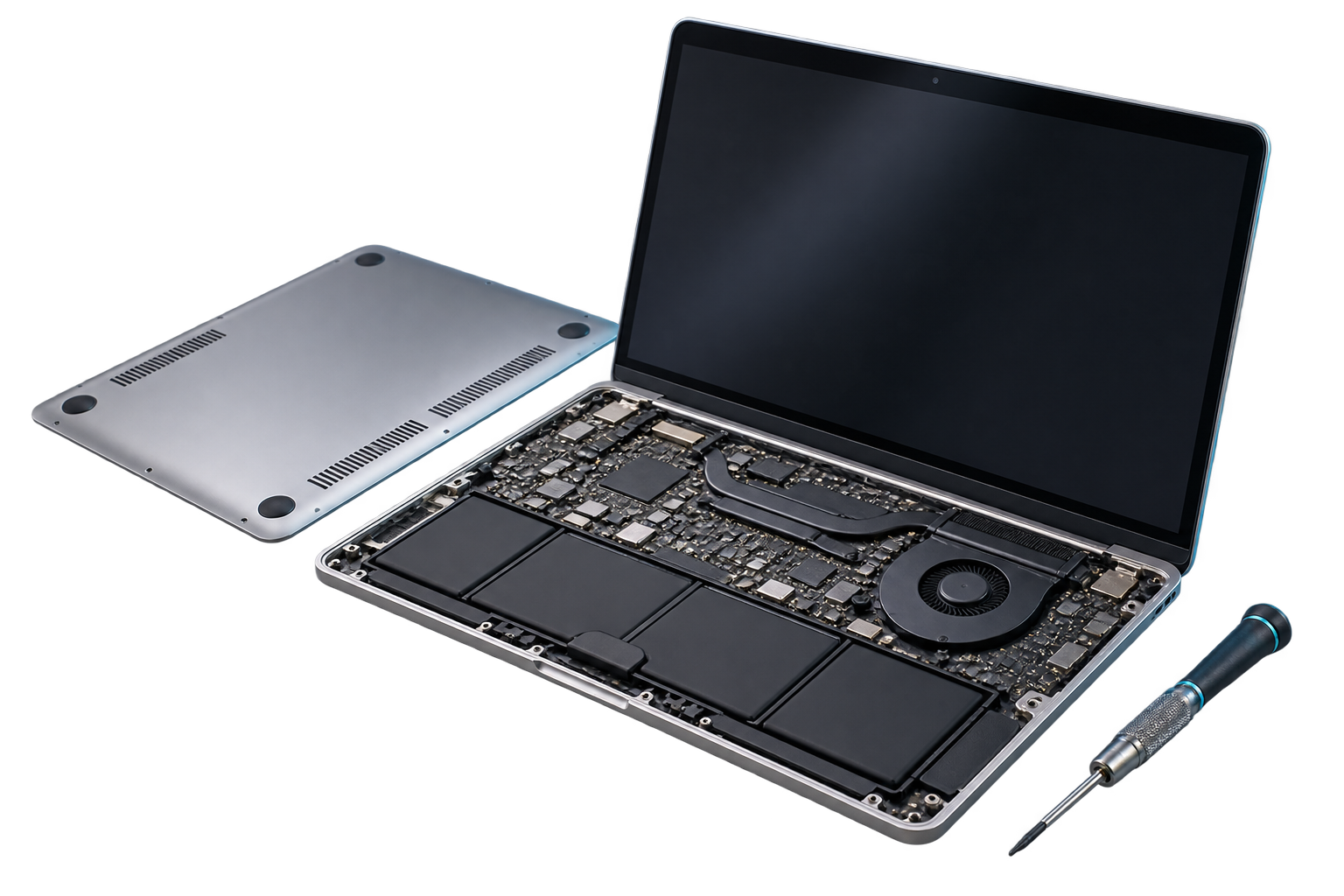
Troubleshoot startup issues, unexpected shutdowns and everyday computer faults.
Explore replacement options for damaged screens, worn batteries and power adapters.
Make room for more with compatible RAM and storage upgrades for your computer.
The right fit comes first. Check your computer model and component specifications before choosing a replacement.
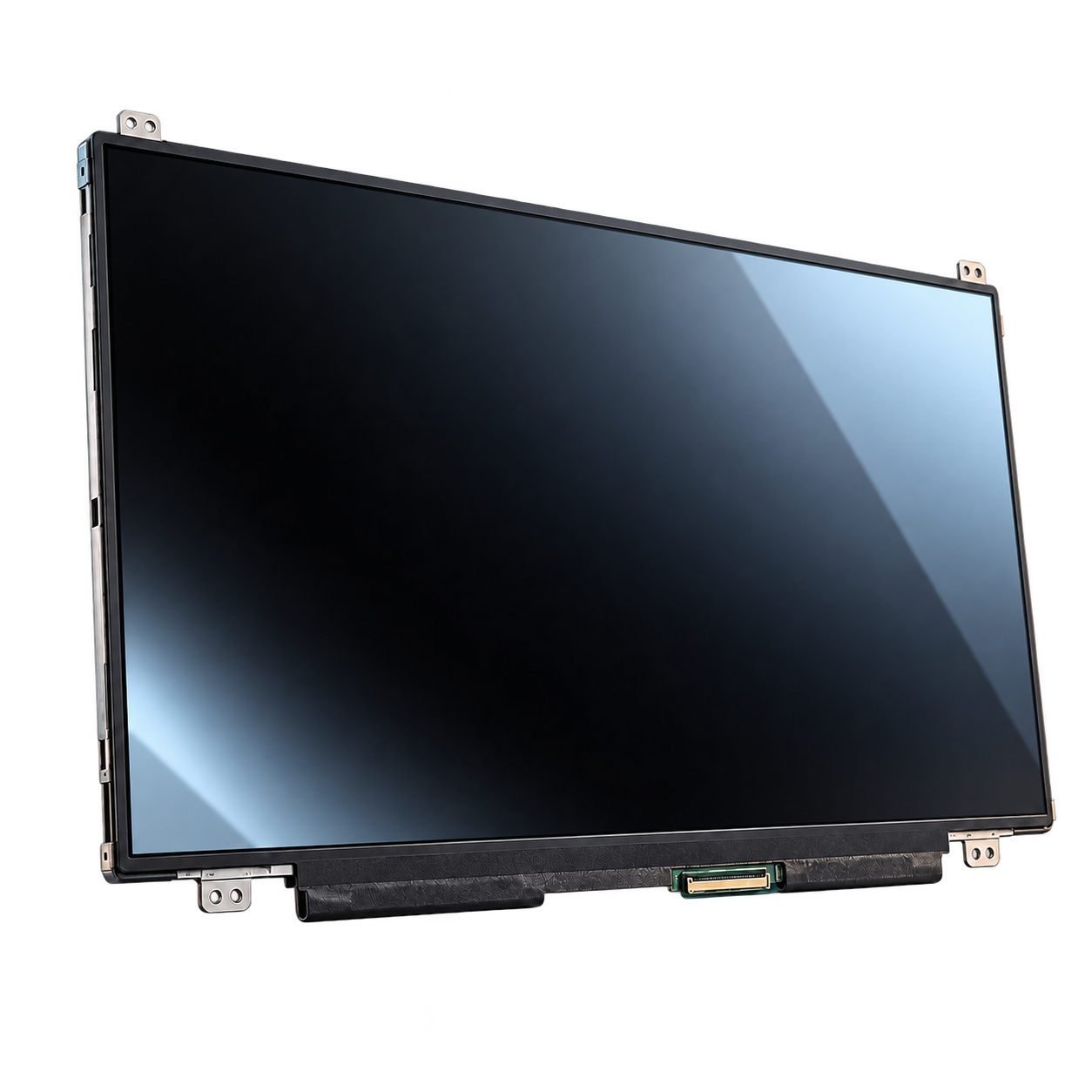
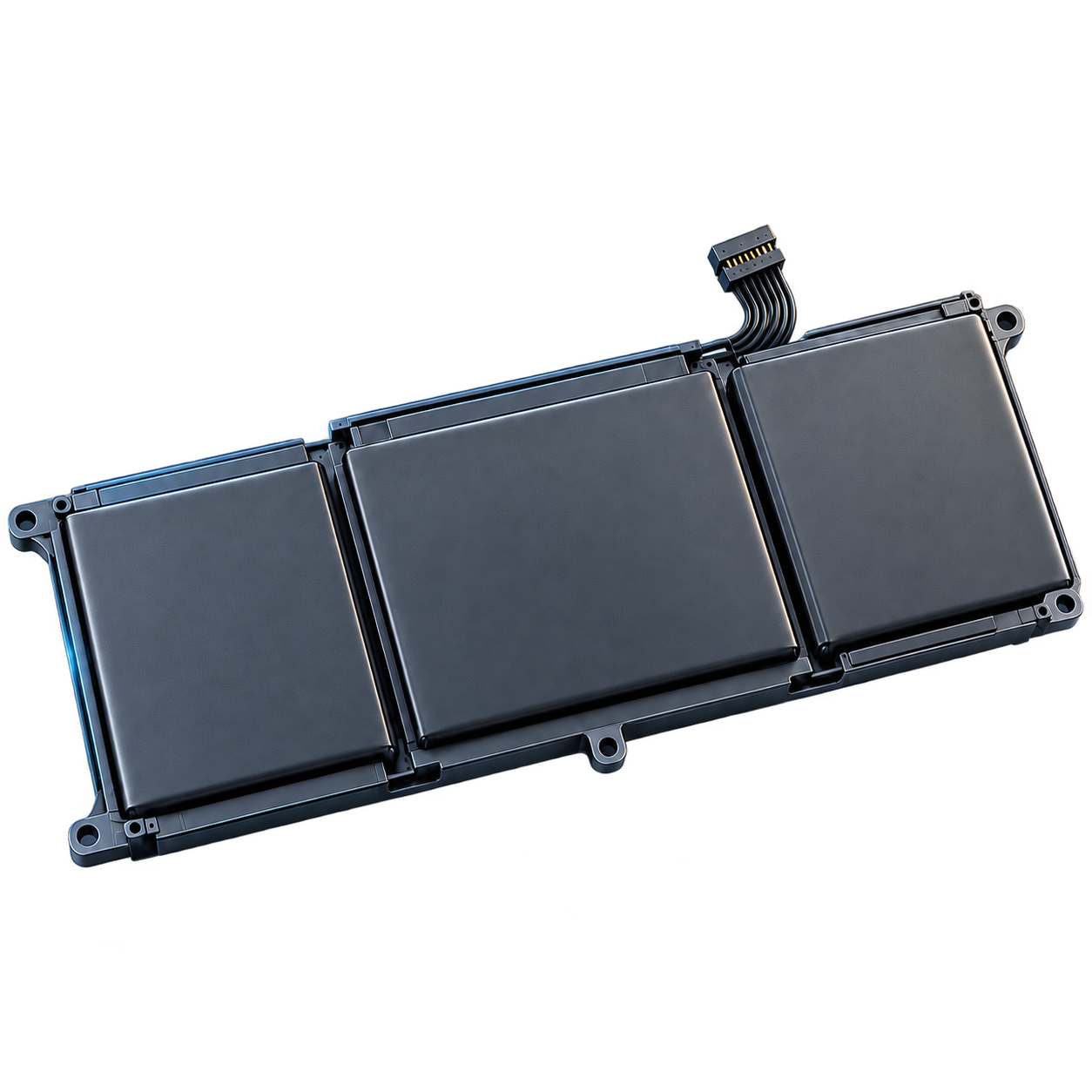
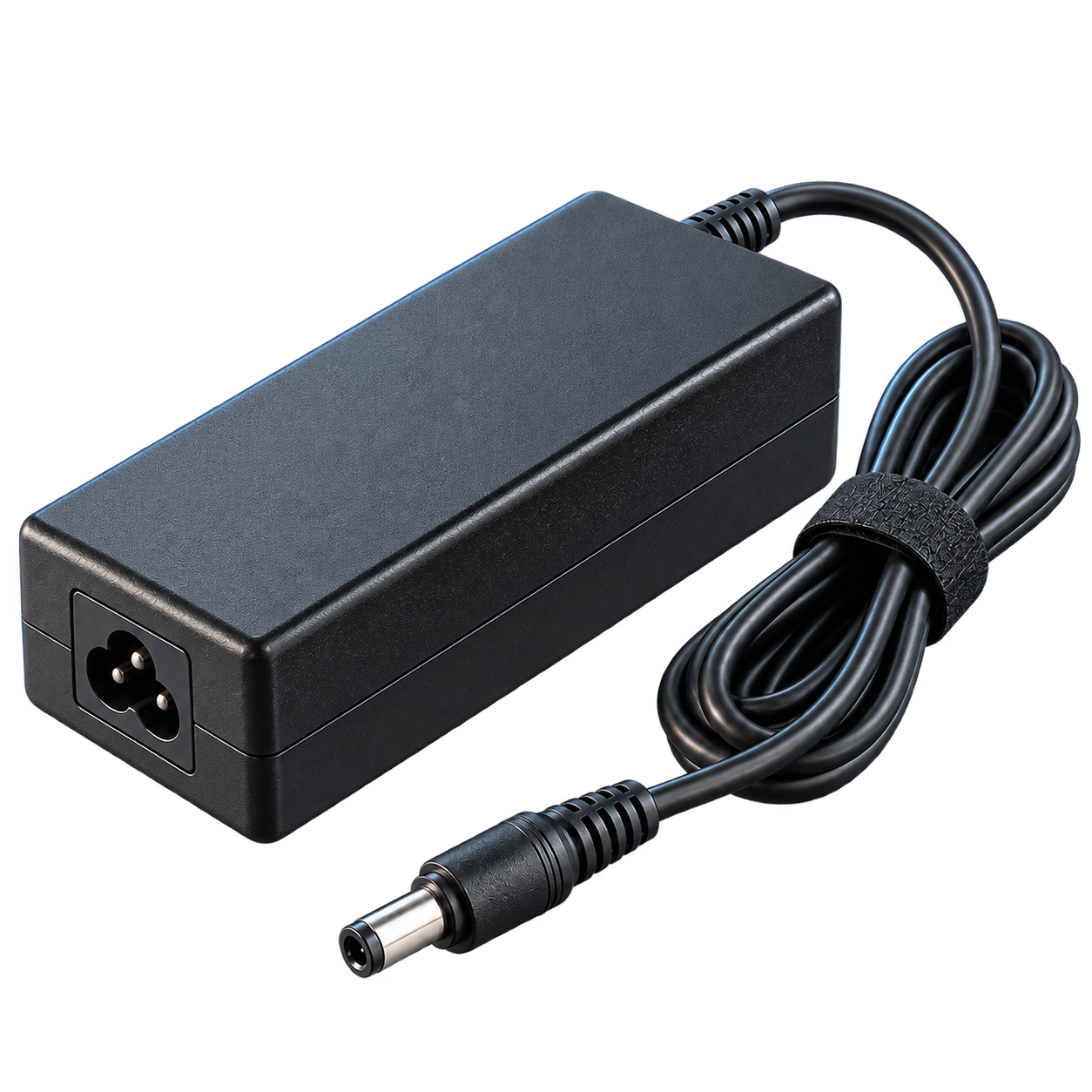
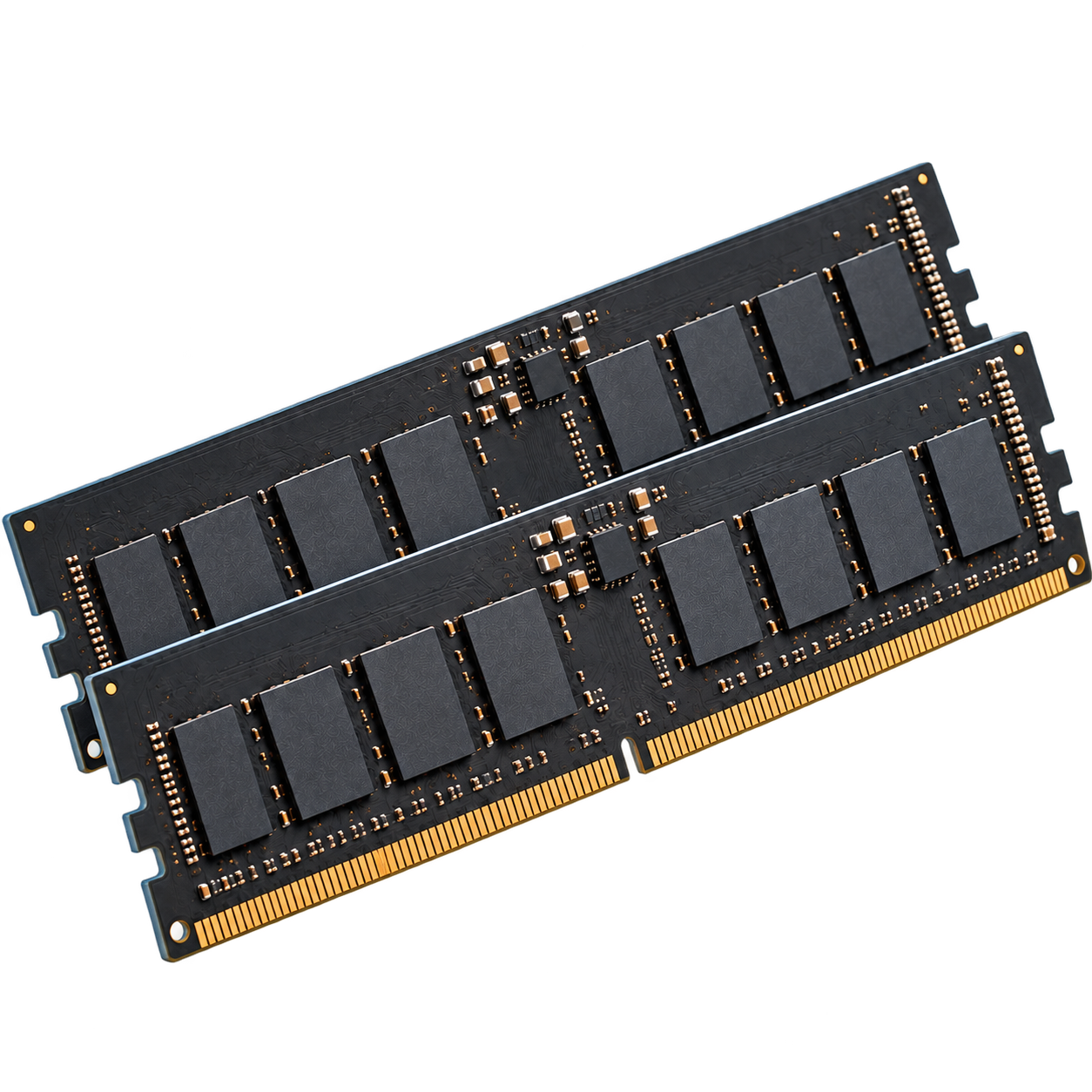
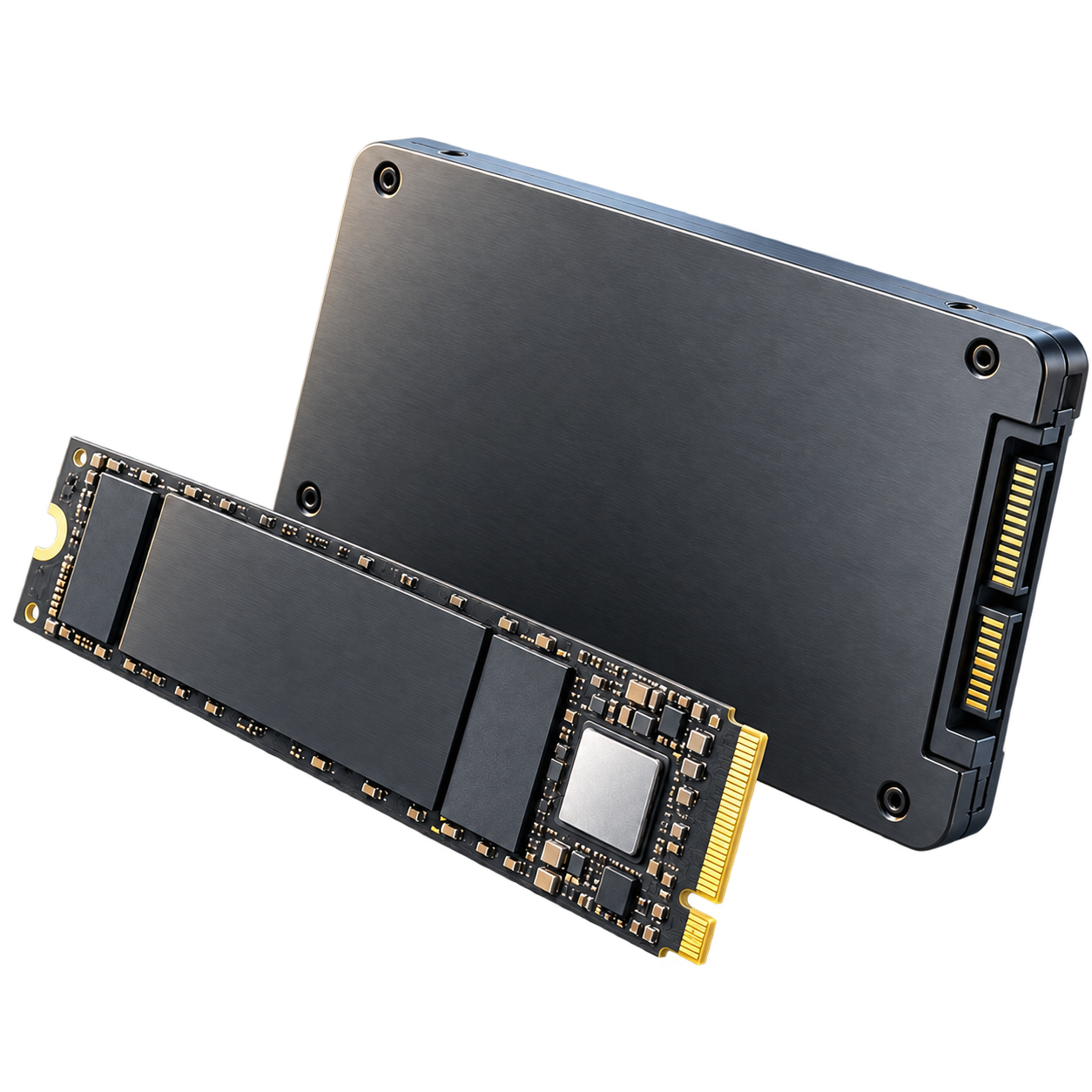
Parts availability and compatibility are subject to confirmation. Product visuals are illustrative.
Can’t access important documents, photos or work files? Tell us what happened and which device is affected.
Ask about data recovery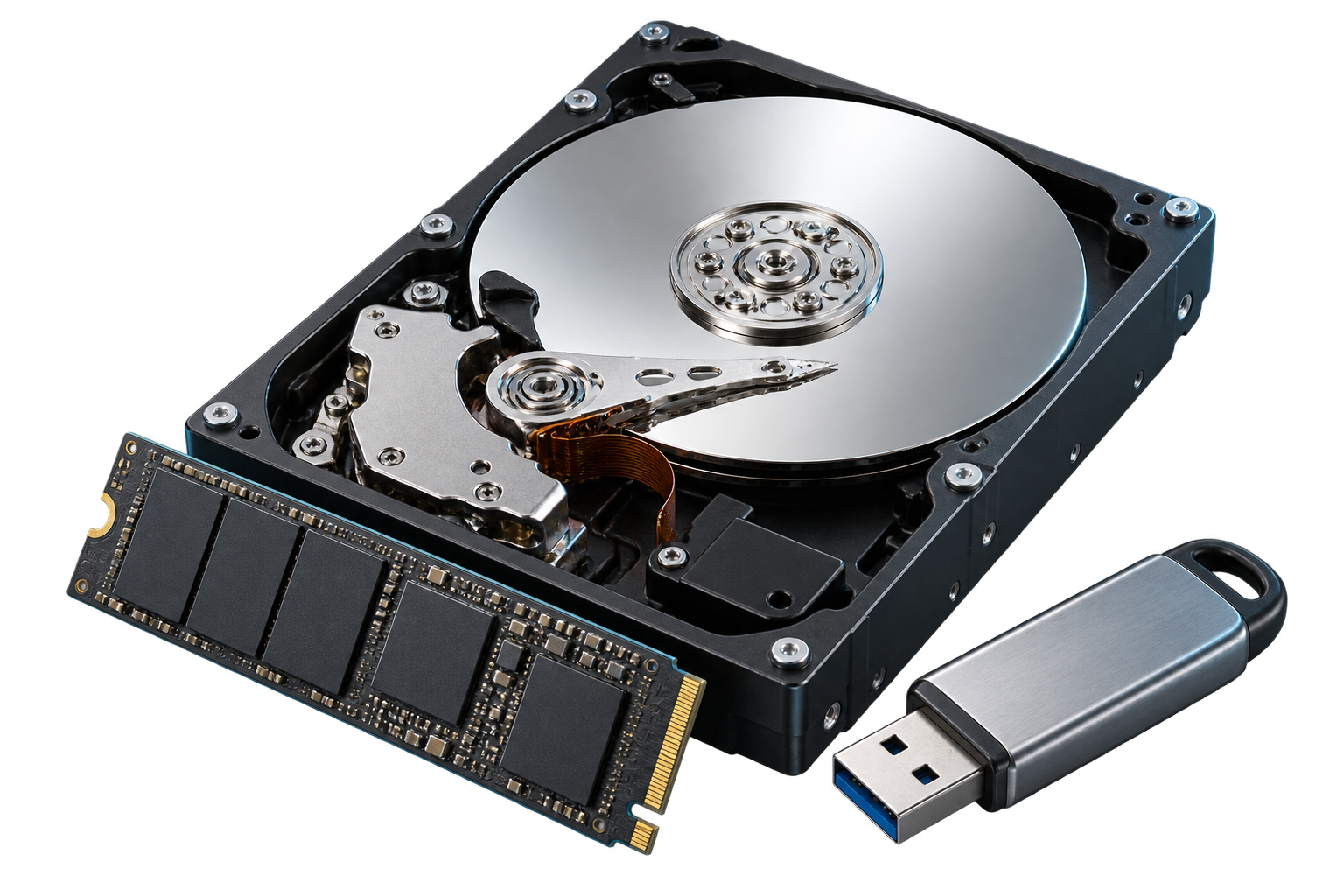
Explain what went missing and whether the device has been used since.
Ask about assessment for a hard drive, SSD, USB drive or memory card that is no longer readable.
A startup problem doesn’t always mean the files are lost. We can discuss an assessment of the storage device.
Stop using the affected drive. Avoid formatting it or saving new files to it. Recovery options depend on the device’s condition; results cannot be guaranteed.
From a fresh system setup to a stubborn error, get help with the software you rely on.
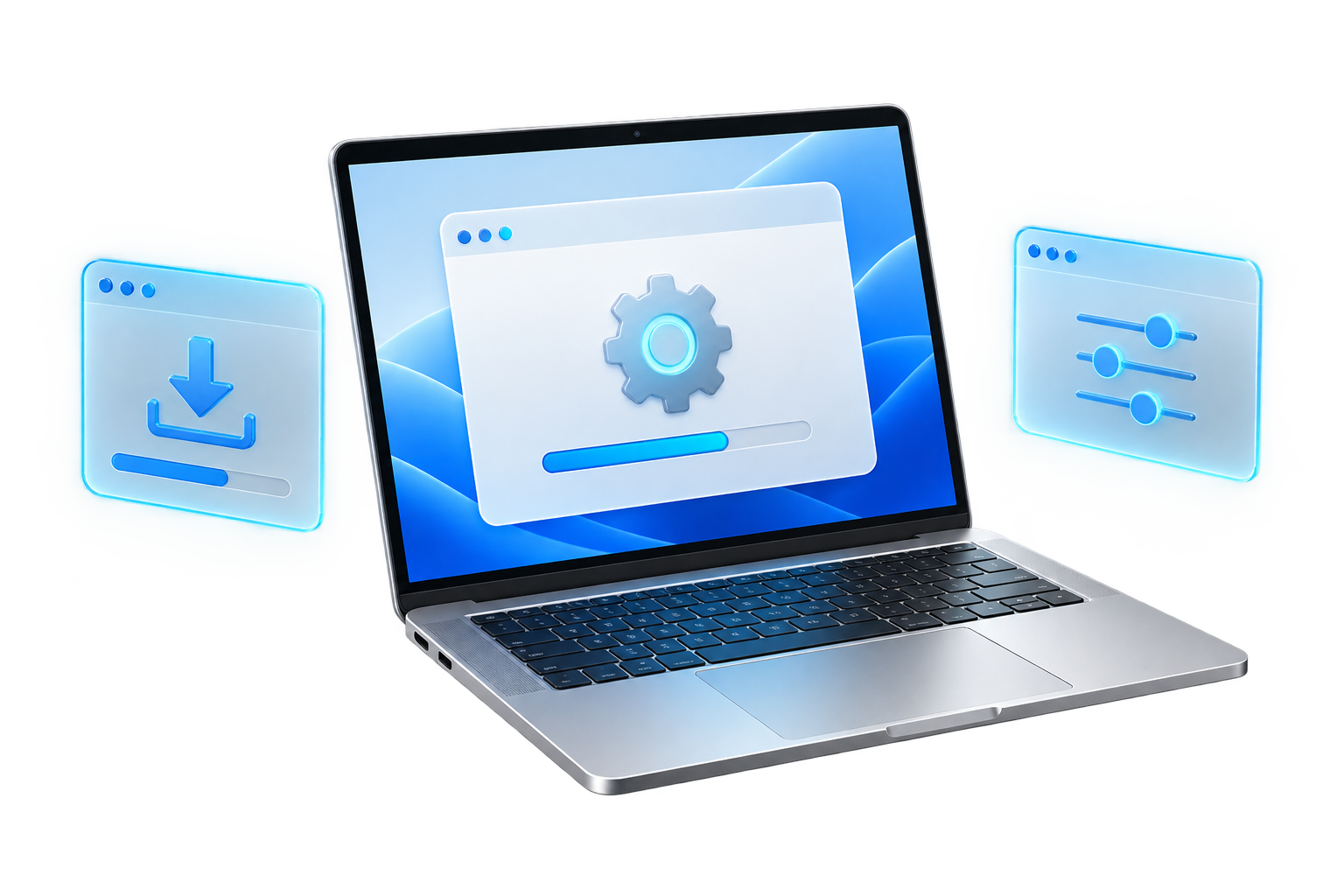
Operating system installation, reinstallation and initial setup for compatible computers.
Installation and configuration of the applications you use for work, study and everyday tasks.
Help with application errors, driver issues, software updates and system performance problems.
Tell us your computer model, operating system and the software you need help with.
Ask about software supportSoftware licences, if required, are quoted separately. Please back up important files before a system reinstall.
Bring your computer model and a description of the issue.
We’ll help you explore the next step.
11:00 am – 8:00 pm
Monday – Sunday